
Asset inventory provides context when a request relates to a laptop, server, peripheral or network device. Keep the owner, location, status, vendor and warranty information current so support and procurement decisions use the same record.
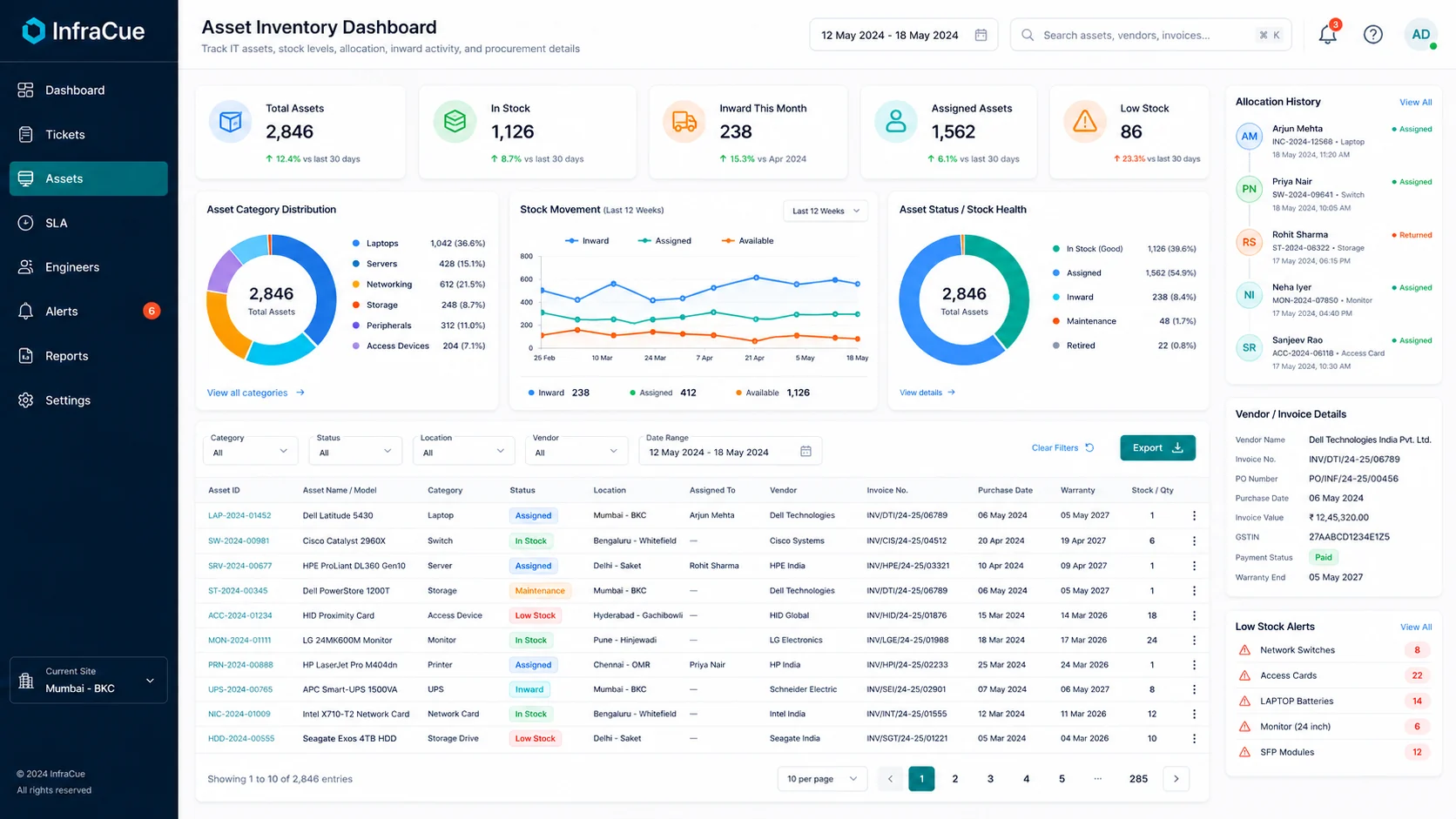
- Create an asset categoryUse clear categories such as Laptop, Desktop, Server, Network or Peripheral.
- Add the asset recordCapture the asset name, identifier, location, status and procurement information available to you.
- Allocate when assignedRecord the assigned employee and keep allocation history accurate.
- Link service workAttach the relevant asset to a ticket when it is involved in the issue.